
 Español
 English
 Português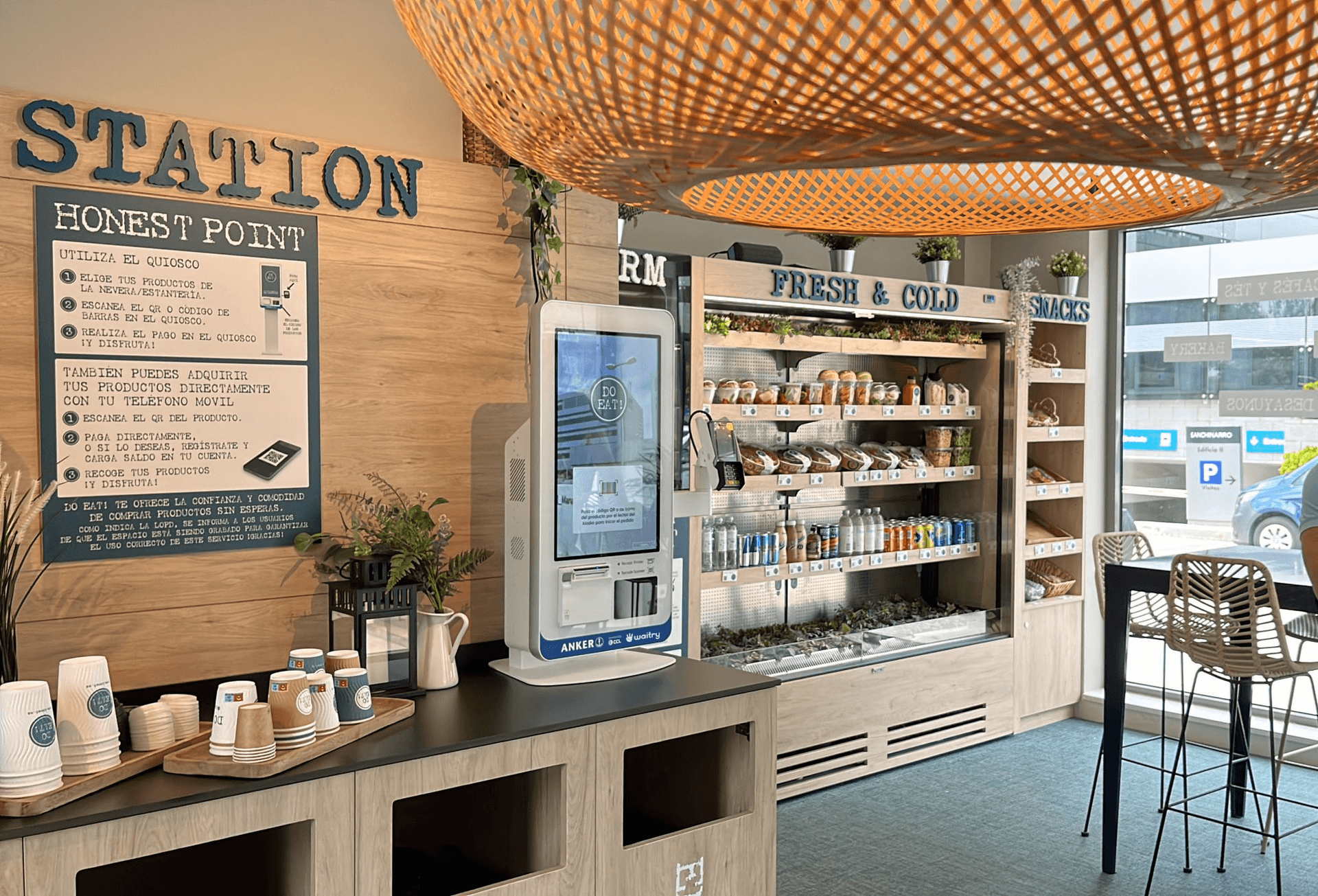
With the kiosk, your customers can order at their own pace. You sell more.
A self-ordering kiosk linked to your kitchen and your menu.
15-minute demo with your menu · No minimum contract period
Over 10,000 restaurants in more than 9 countries, including:





















The kiosk sells itself. Your team decides what to sell.
A fast, easy-to-use kiosk raises average spend by 20% to 70% and serves customers 50% faster on average, without changing your POS. Here's what you get:
Meet Mise, Waitry’s AI
It helps you sell more with every order and provides you with monthly reports on your customers.
Join the customers who are already using Waitry
More than 10 years working in restaurants like yours.
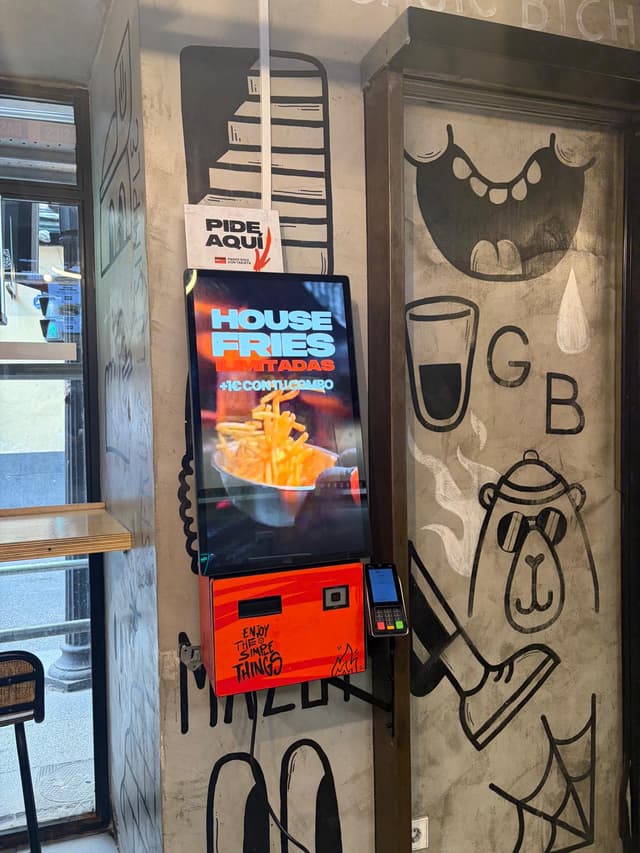 Basics by GoikoOrder and pay at the kiosk
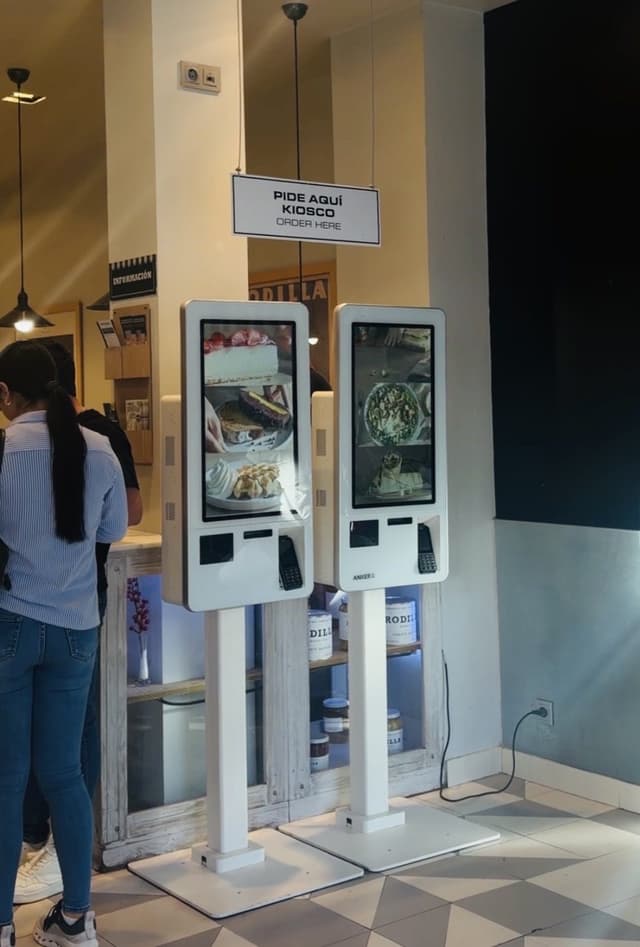 RodillaKiosk, table and kitchen all in one
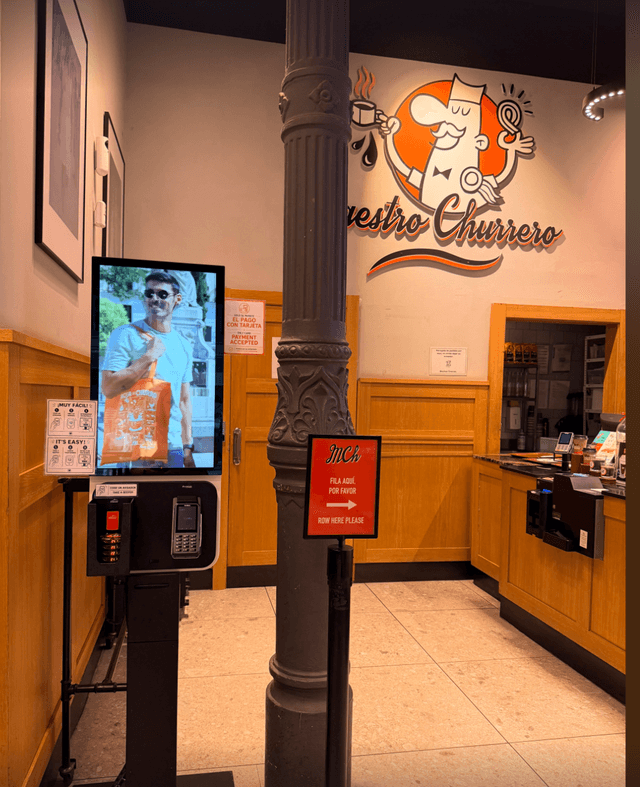 Maestro ChurreroChurros without having to queue at the counter
 Increase in ticket price
 Zeta Smash BurgerOrder, pay and send it to the kitchen
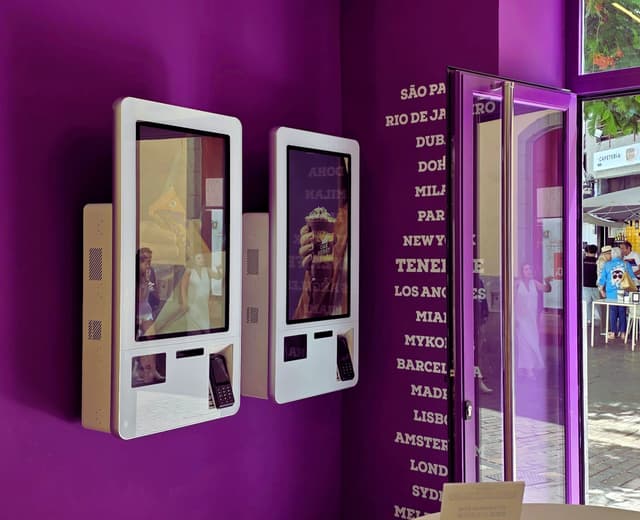 Increase in ticket priceOakberryTwo kiosks and no more queuing
 No waiting
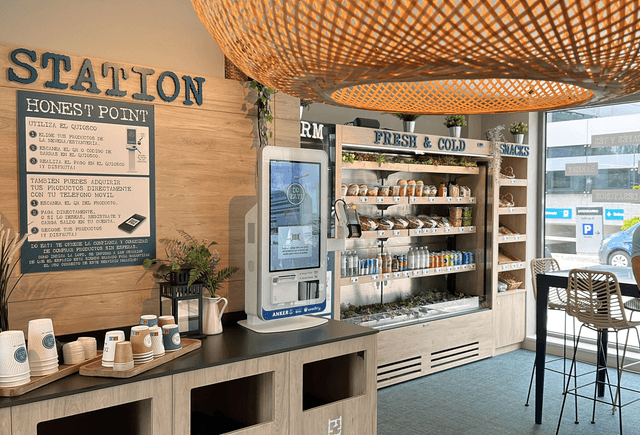
 Do Eat!Choose, scan and pay at the kioskStage EntertainmentSelf-service kiosk at The Lion KingPizza HutInternational chain with Waitry
 Museo Nacional de Bellas ArtesOrders at the museum
It connects to what you already use
It connects to the POS terminal you already have.















What your customer sees, step by step
Eat in or take away – all with just one tap.
A menu with photos and prices, sauces and extras – no need to ask anyone.
A dessert or a drink before paying, without pressing the issue.
Card or cash at the kiosk, and your number on the screen.
Leave us your details and we’ll show you the kiosk in action with your menu. Fifteen minutes, no obligation.
Or why not get started yourself right now?
Create your account and start trying out Waitry today.
Create an accountWaitry adapts to your format
No small print
Waitry is already operating in more than 9 countries
The questions we’re always asked
What hardware do I need?
Any Windows or Android kiosk, tablet or touchscreen terminal. Waitry doesn’t tie you to a single supplier.
Can my marketing team change the content without going through IT?
Yes. Kiosk Studio is a module within the dashboard with its own permissions. You can preview, test locally and publish.
Will sales continue if the internet goes down?
The kiosk caches the menu and queues as much as it can. It also alerts someone to the failure so that they are aware of it.
Do you accept promotional and loyalty codes?
Both. Codes on the box and member identification with points, tiers and tier-based promotions.
How does the order reach the kitchen?
Straight to the KDS and the POS, with the kiosk’s stamp on the kitchen ticket, and to the order screen when it’s ready.
Can I display different content in each branch?
Yes. The content is location-based, and synchronisation groups allow you to publish the same pass to several kiosks at once.
What is a self-ordering kiosk?
It is a touchscreen where customers select, customise and pay for their order without going to the till. The order goes straight to the kitchen.
How long does it take to get the kiosk up and running?
Seven days to set up a shop: we upload the menu, connect the kiosk to your kitchen and your POS system, and train the team.
Does the kiosk increase the average spend?
Yes. The interface guides customers step by step and suggests the drink, dessert or extra that goes with each order. Average spend rises by 20% to 70%.
Shall we put him to work at your premises?
A 15-minute demo, with no minimum contract term, and up and running in 7 days.