
 Español
 English
 Português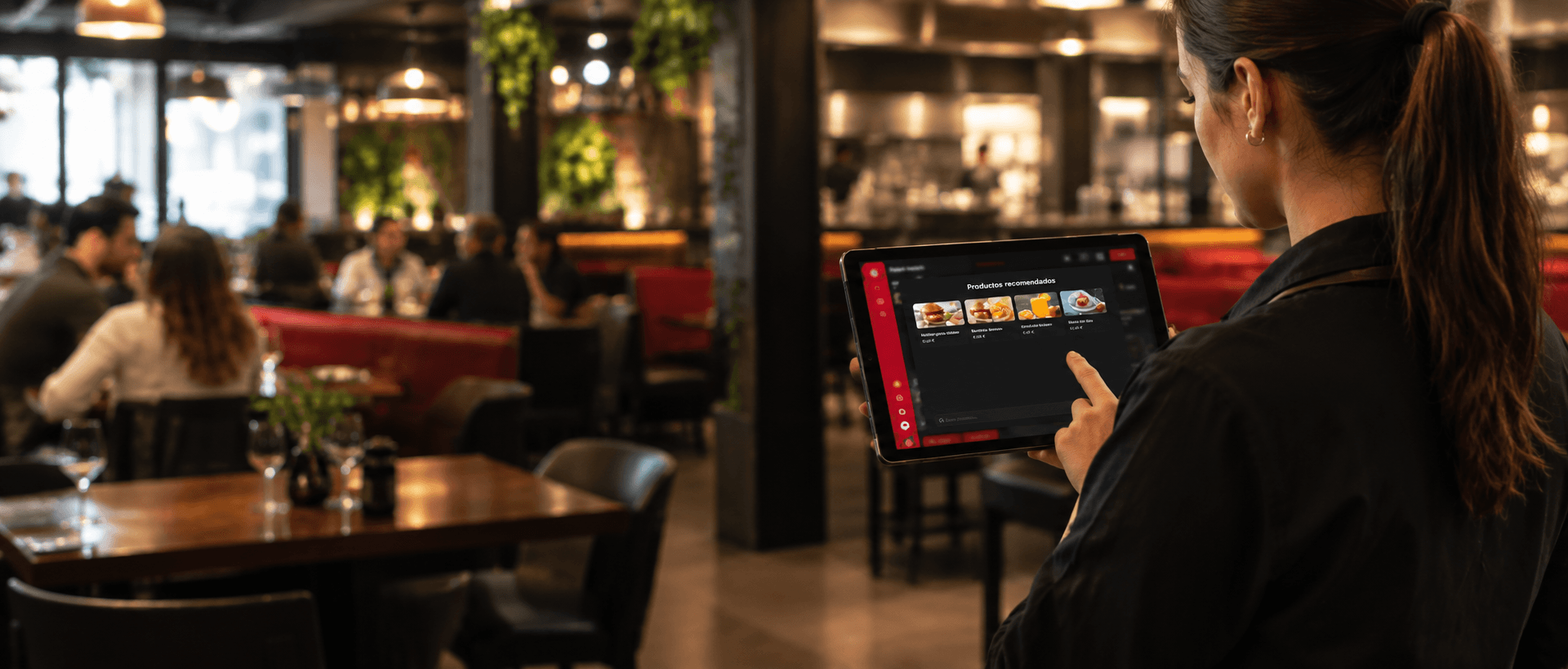
The POS that doesn’t just take payments: it helps you sell
A system designed to make your team’s work easier and increase your average bill for each service.
15-minute demo with your menu · No minimum contract period
Over 10,000 premises in more than 9 countries, including:




















4 benefits of a POS system
The POS is the system you use to take orders and process payments. Waitry’s POS works on any device, lets you carry on taking orders even without an internet connection, and combines front of house, counter and delivery orders into a single till.
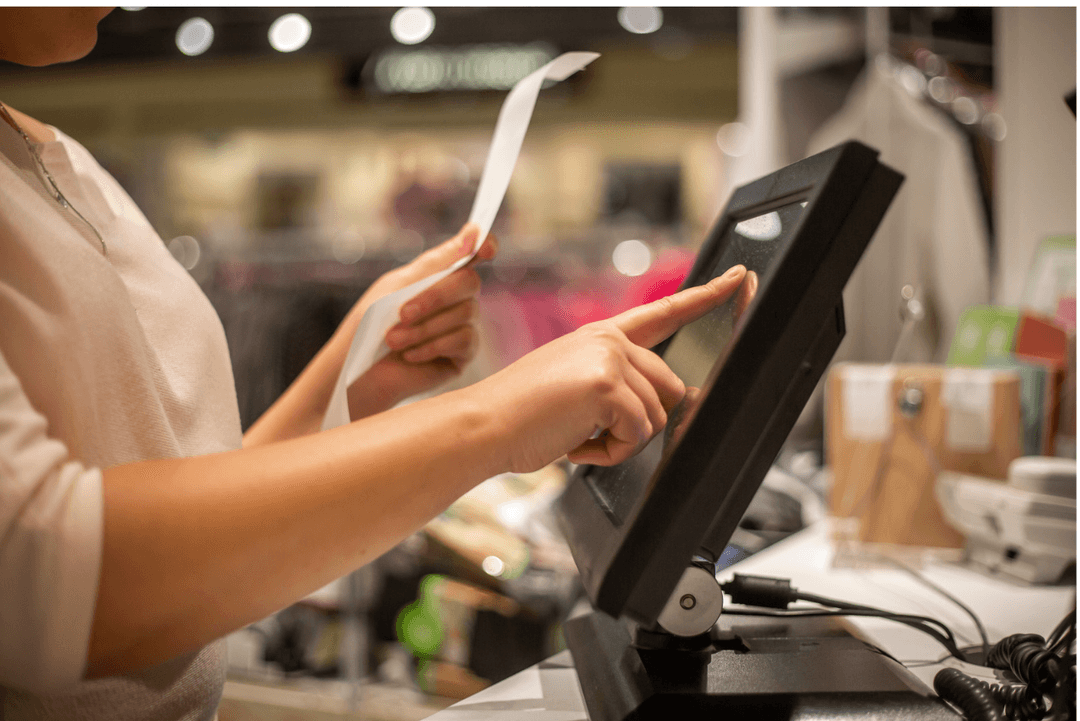
Dining area, counter, takeaway and delivery – all in one place.
Your waiting staff take orders on a tablet and they go straight to the kitchen.
Opening, closing, cash transactions and leave taken by each employee.
Shift and daily reports to inform decision-making.
Meet Mise, Waitry’s AI
At the till, it helps you sell more: it suggests what to offer with each order and tells you how the day is going.
Meet the people who are already working with Waitry
More than 10 years working in restaurants like yours.
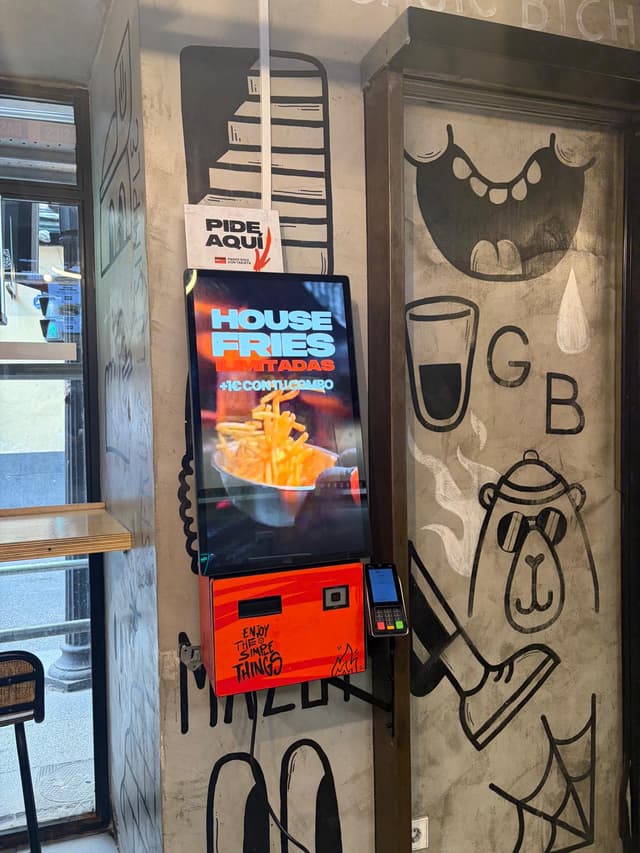 Basics by GoikoOrder and pay at the kiosk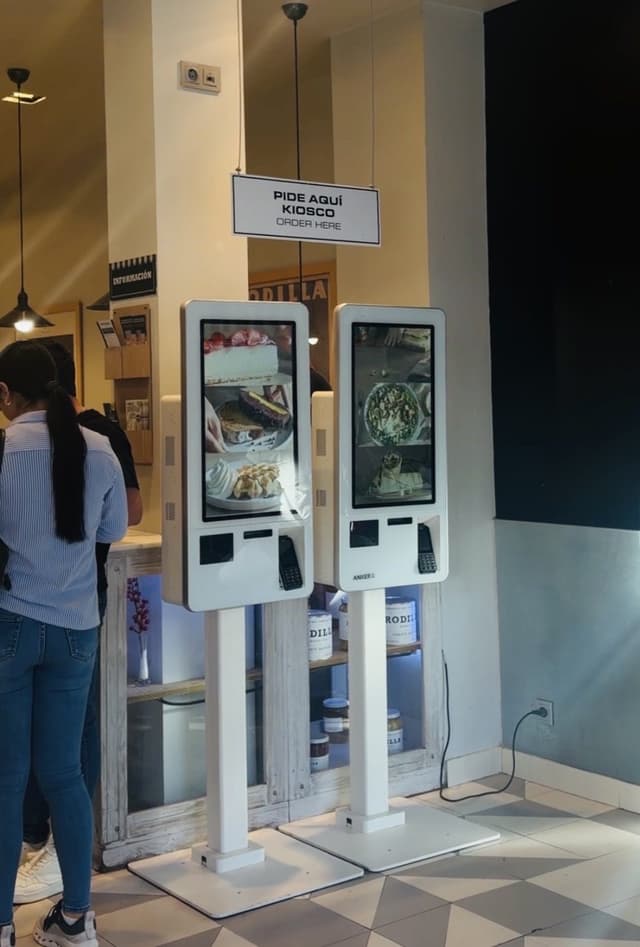
 RodillaKiosk, table and kitchen all in one
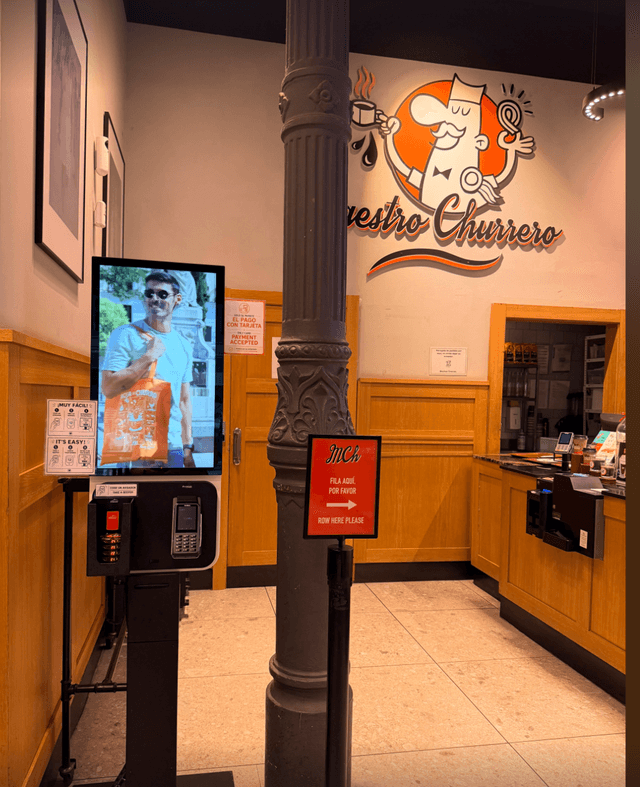 Maestro ChurreroChurros without having to queue at the counter
 Increase in ticket price
 Zeta Smash BurgerOrder, pay and send it to the kitchen
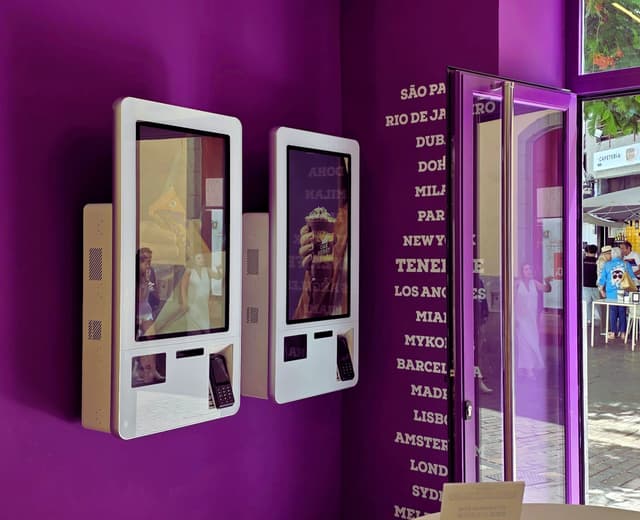 Increase in ticket priceOakberryTwo kiosks and no more queuing
 No waiting
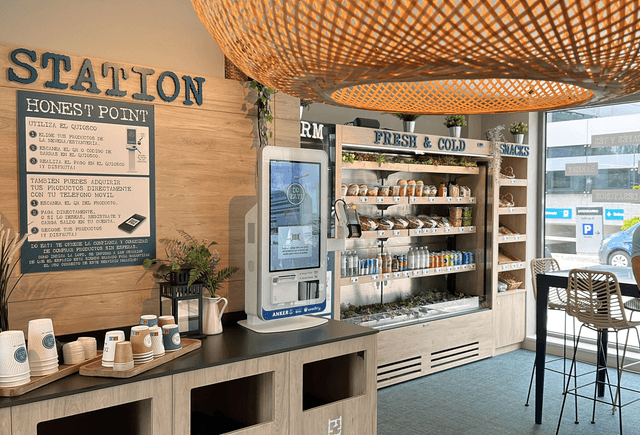
 Do Eat!Choose, scan and pay at the kioskStage EntertainmentSelf-service kiosk at The Lion KingPizza HutInternational chain with Waitry
 Museo Nacional de Bellas ArtesOrders at the museum
Leave us your details and we’ll show you the POS system tailored to your menu and payment methods. Fifteen minutes, no strings attached.
Or why not get started yourself right now?
Create your account and start trying out Waitry today.
Create an accountIt connects to what you already use
Delivery, payments and invoicing, all linked to your POS.















Waitry adapts to your format
Benefits for your business
Waitry is already operating in more than 9 countries
Questions about the POS
Which devices does it work on?
Windows, Android, iOS, iPadOS and macOS, as well as Adyen Castles terminals (S1F2, S1F2L and S1F4 Pro).
What happens if the internet goes down?
Orders and payments are stored on the device and synchronised when the network connection is restored. The last known menu continues to work.
Can I accept card payments using just my mobile phone?
Yes. Adyen Tap to Pay on iPhone and Android, without the need for a card reader.
Will it replace my current POS terminal?
You can replace it, or use it alongside it for events, franchises and new formats.
Does it print on my printers?
ESC/POS printers via USB, Bluetooth or a network, as well as the built-in printers from Sunmi and iMin.
Can staff clock in?
Yes, using a PIN or facial recognition at the till itself.
What is the difference between a POS and a TPV?
None in practice: ‘POS’ is the term used in Spain and ‘TPV’ in much of Latin America. Both refer to the system used to take orders and process payments.
How long does it take to change your POS?
Seven days for a new business, with the menu finalised, the till set up and the team in place. No minimum contract period.
Shall we put him to work at your premises?
A 15-minute demo, with no minimum contract term, and up and running in 7 days.